Make a Video
Make a video from a prompt: HyperFrames teaches your coding agent to compose it in HTML, CSS, and JS, then renders a deterministic MP4 that comes out the same every time.
Install the skill or give me an instruction how to install it - hyperframes from https://github.com/heygen-com/hyperframes Free Open source Works in Claude, Cursor, Codex & more
What it does
Describe the video you want in plain language and HyperFrames teaches your coding agent to build it as a real composition in HTML, CSS, and JavaScript, then render it to MP4. Because the animation is seekable and the render is deterministic, the same input produces the exact same video every time, frame for frame.
This is the entry point to HyperFrames. It reads what you asked for, routes it to the right workflow, whether that is a product promo, a website tour, a PR explainer, or a short motion graphic, then scaffolds the project and writes the composition. Ask for something simple like a 1920 by 1080 ten-second product intro and you get a polished, finished file, not a timeline you have to assemble by hand.
When to use it
- You want a video and have no footage or editor
Describe it in plain language and your coding agent composes it in HTML, then renders a finished MP4.
- You need the same video to render identically every time
The composition is deterministic, so the same input produces the same MP4 on every run.
- You're not sure which video workflow you need
It picks the right workflow, scaffolds the project, and builds the composition for you.
FAQ
Do I need video editing experience?
No. HyperFrames turns a prompt into a video by having your coding agent compose it in HTML, CSS, and JavaScript, then rendering an MP4. You describe what you want instead of editing timelines.
Will I get the same video every time I render?
Yes. HyperFrames renders frame by frame to a deterministic MP4, so the same composition produces the same output every run. That makes edits predictable rather than a fresh roll each time.
How does it know which kind of video to build?
HyperFrames picks the right workflow for your request, scaffolds the project, and writes the composition before rendering. It routes a product intro, an explainer, or a title card to the approach that fits.
Pairs well with
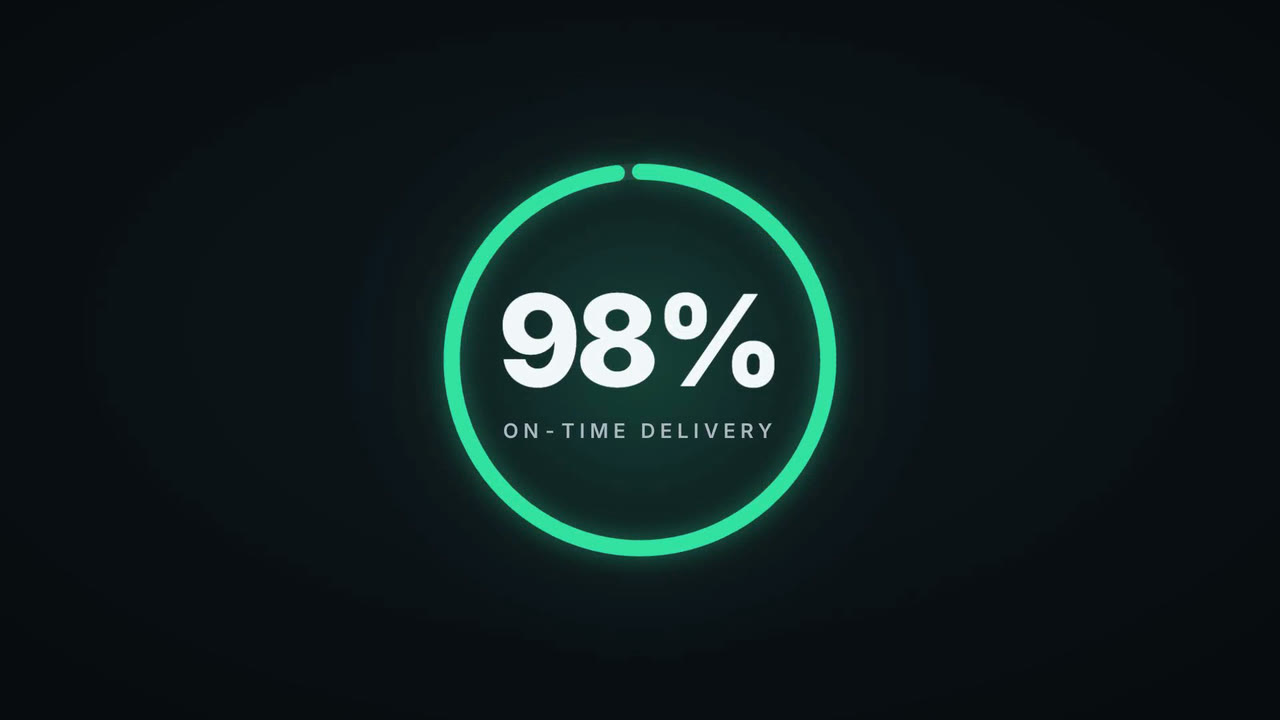
Make a Motion Graphic
 HeyGen
Make a short, silent motion graphic where motion is the message: kinetic type, a stat count-up, a chart hit, or a logo sting, usually under 10 seconds. Exports to MP4 or a transparent overlay.
hyperframes/motion-graphics 70.4k 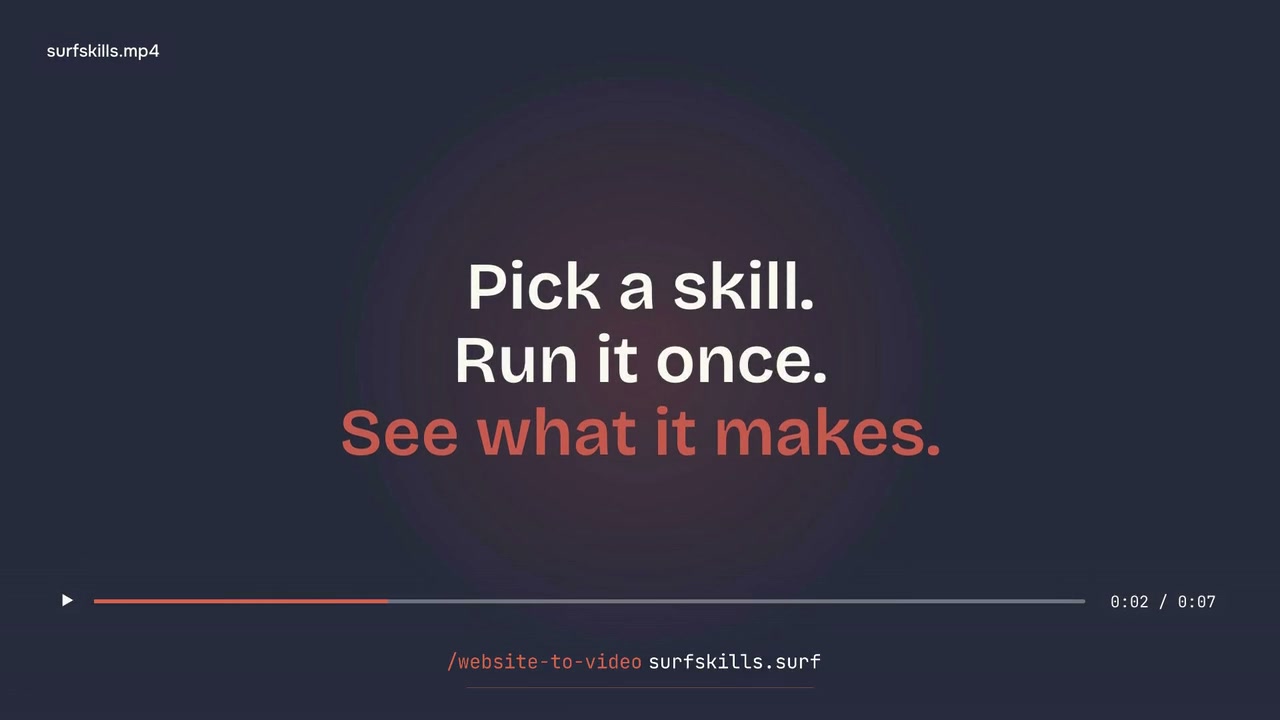
Turn a Website Into a Video
HeyGen Point it at any website and get a polished, on-brand video built from the site's own screenshots and brand assets, whether a 15-second social clip or a 30-second tour.
hyperframes/website-to-video 70.4k