 Siqi Chen · @blader ↗
 Humanizer
Paste AI-sounding text and get it back reading like a person wrote it. Humanizer catches 33 documented tells from Wikipedia's "Signs of AI writing" guide, and can match your voice from a sample.
The roster
What it does
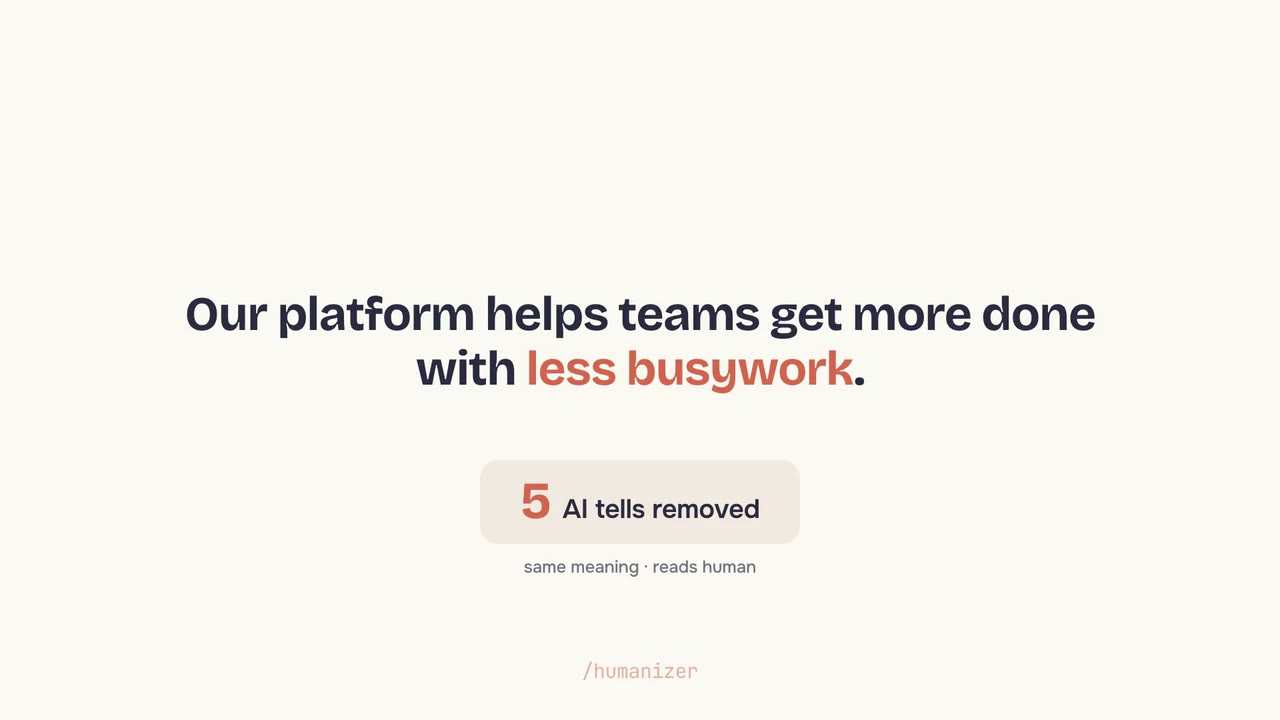
You paste writing that reads like a chatbot produced it, and Humanizer rewrites it to sound like a person. Same meaning, same length, minus the tells: em dash pileups, the rule of three, inflated significance, and the stock AI vocabulary.
It works from Wikipedia's "Signs of AI writing" guide, checking your text against 33 specific patterns and running a second audit pass to catch anything the first rewrite missed. Give it a few paragraphs of your own work and it matches your rhythm and word choices instead of settling for generic clean copy. It is plain Markdown, so it runs in Claude Code, Cursor, or any agent that reads skills.
When to use it
- Your draft reads like AI wrote it
Paste it and get copy back that sounds like a person, with the 33 known tells stripped out.
- You want it to sound like you, not a bot
Give it a sample of your writing and it matches your voice instead of flattening it.
- You need to vet writing before it ships
It scores a draft for the specific patterns that flag text as machine-generated.
Common questions
Is Humanizer free to use?
Yes. Humanizer is an open-source agent skill under the MIT license with no paid tier. You install it once and run it on as much text as you want.
Which agents and editors does Humanizer work with?
Humanizer is a plain Markdown skill, so it runs in any harness that reads agent skills, including Claude Code, Cursor, Codex, and Copilot. You install it with npx skills add blader/humanizer or as a Claude Code plugin.
Does my text get sent anywhere new?
No. Humanizer is an instruction file that runs inside the agent you already use, so your text goes only where that agent already sends it. The skill adds no service or account of its own.