 Coming soon
 animation-vocabulary
 Emil Kowalski
 skills/animation-vocabulary 48.9k Emil Kowalski · @emilkowalski ↗ Skills that teach your coding agent Emil Kowalski's animation and design taste: the right easing, timing, and UI details from his years at Vercel and Linear.
 Emil Kowalski
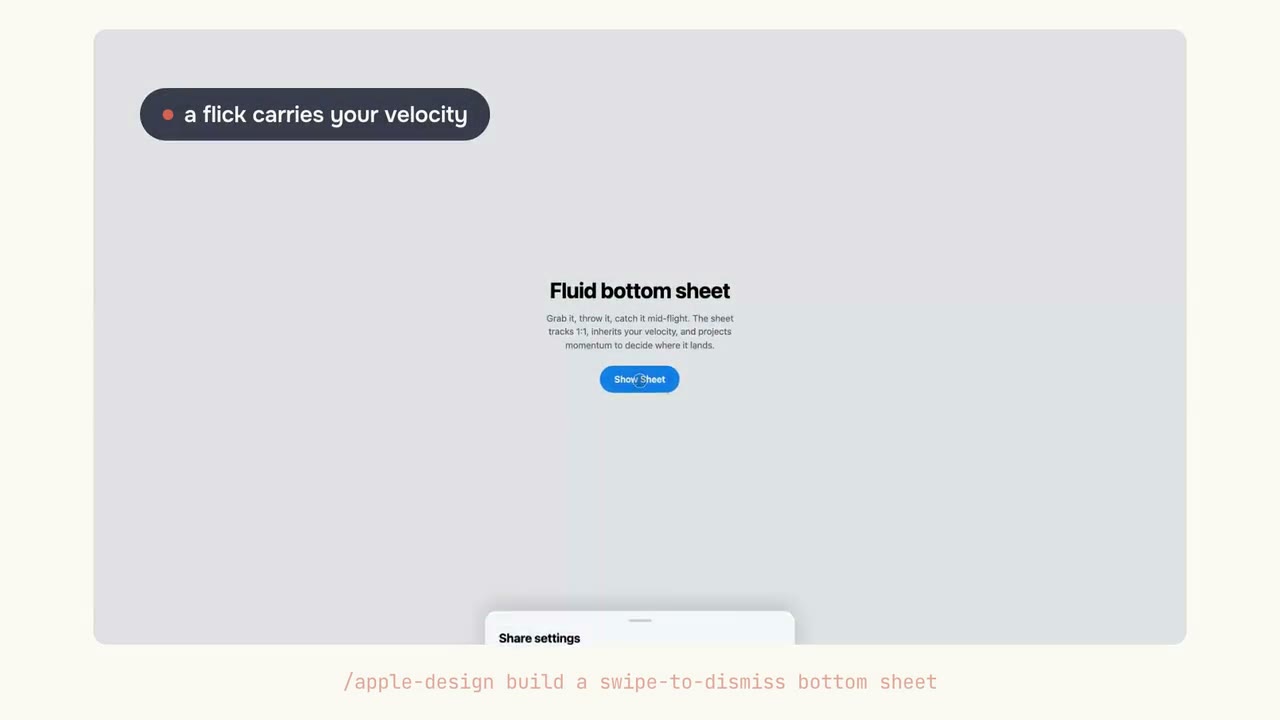
 Apple's approach to fluid, physical interfaces, translated for the web. Your agent builds gesture-driven UI with real springs, velocity handoff, and motion you can grab and reverse mid-flight.
skills/apple-design 48.9k 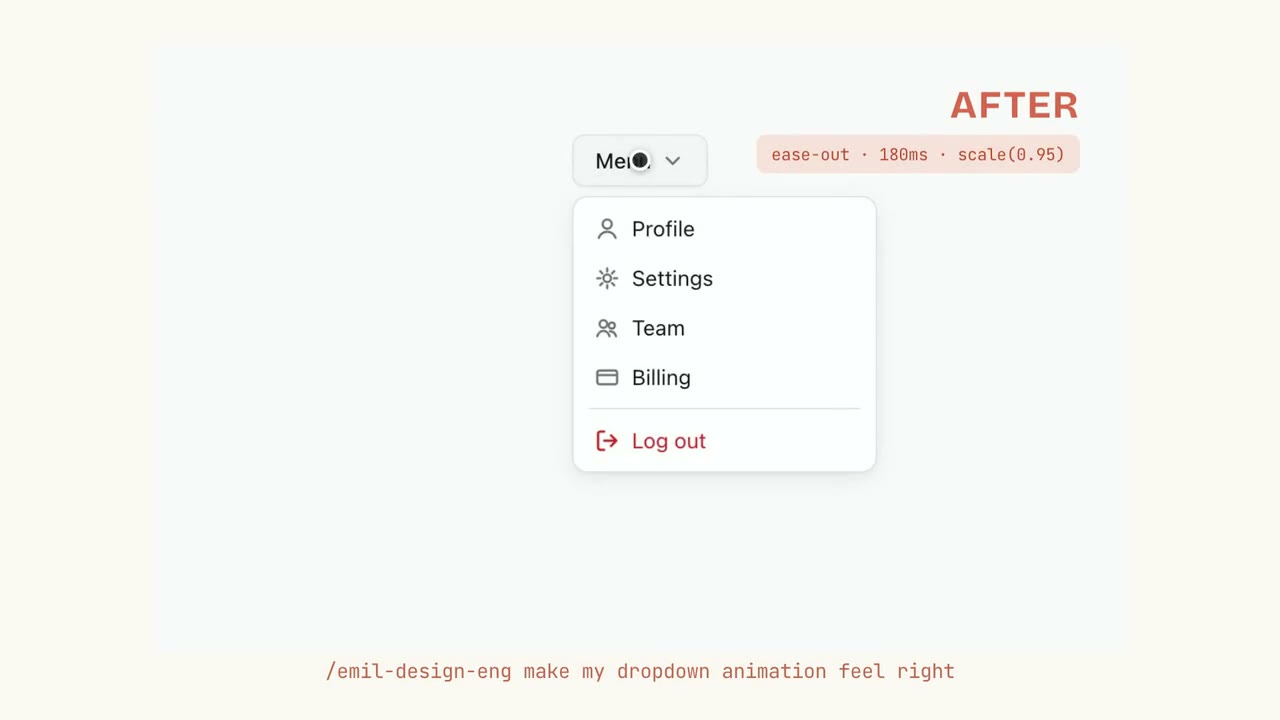 Emil Kowalski
 Emil Kowalski's UI and animation taste, installed: your agent picks the right easing and duration, adds press feedback, and reviews UI code with before and after fixes.
skills/emil-design-eng 48.9k Coming soon Emil Kowalski skills/animation-vocabulary 48.9k Coming soon Emil Kowalski skills/improve-animations 48.9k Coming soon Emil Kowalski skills/review-animations 48.9k Skills that teach your coding agent design taste. Agents get UI working but fumble the small choices that make it feel right: ease-in on an enter animation when it should be ease-out, or a menu that pops in from scale(0). The set catalogs those mistakes and their fixes, drawn from Emil Kowalski's years as a design engineer at Vercel and Linear and from building the Sonner toast library (13M+ weekly downloads) and the Vaul drawer.
One install covers the whole loop. Your agent makes sharper animation and design calls as it builds, reviews finished motion against a strict craft bar, turns 'the bouncy popover thing' into the exact term to prompt with, and brings Apple's WWDC design principles to the web.
Agents pick ease-in for entrances and animate actions that should be instant. These skills catch the small mistakes and give your agent the fix.
Get a clear call on whether it should animate, then the easing and duration that fit, from button presses to swipe-to-dismiss.
A strict pass flags issues like ease-in entrances and scale(0) reveals, each with a before and after fix.
Describe the effect in plain words and get its exact term, so your next prompt asks for the right thing.
Each skill in emilkowalski/skills works on its own, so you can lean on one and ignore the rest. emil-design-eng gives everyday animation and design guidance, review-animations strictly audits motion code, animation-vocabulary names effects you can only describe, and apple-design translates Apple's WWDC principles to the web.
Claude Code, Cursor, and any other agent that supports the skills format. You run one command, npx skills@latest add emilkowalski/skills, and every skill in the collection installs at once.
Yes. emilkowalski/skills is open source under the MIT license, with no paid tier and no signup; the animations.dev course it links to is optional.
Yes, and the emilkowalski/skills README is upfront about it: AI amplifies design expertise, it does not replace it. The skills catalog the small mistakes agents make, like picking ease-in for an enter animation, so your output improves while your own taste stays the ceiling.