Build Professional Interfaces
Give your coding agent UI/UX design taste: every interface starts from a tailored design system drawn from 50+ styles, 161 palettes, and 57 font pairings across 10 stacks, not guesswork.
Install the skill or give me an instruction how to install it - ui-ux-pro-max from https://github.com/nextlevelbuilder/ui-ux-pro-max-skill Free Open source Works in Claude, Cursor, Codex & more
What it does
Tell it what you are building, "a landing page for my beauty spa," or just let it switch on whenever a task touches look, feel, or interaction, and it gives your agent a tailored design system to build from instead of guessing. Every interface starts from a coherent spec rather than whatever the model would default to.
It assembles that spec from its own databases: 161 product types, 67 UI styles, 161 color palettes, and 57 font pairings, filtered through 161 industry reasoning rules so a fintech dashboard and a spa page do not come out looking the same. Then it holds the build to that system, colors, type, effects, and anti-patterns, down to a UX checklist before delivery. The generated system is saved, so it stays consistent the next time you come back to the project.
When to use it
- Your agent builds UI without any design taste
It starts every interface from a tailored design system instead of guessing at colors and type.
- You want the design system reused across sessions
It generates the system from its databases, then saves it so later work stays consistent.
- You want look and feel handled automatically
It auto-activates on any task that touches UI and holds the build to a pre-delivery checklist.
FAQ
Does it kick in on every task?
No. As a mode, ui-ux-pro-max activates only when a task touches how something looks, feels, moves, or is used, and stays out of backend, database, and DevOps work. You can also call it directly for a design pass.
Does it write the code or just advise?
It writes it. ui-ux-pro-max generates a design system, then builds the interface to it with real colors, fonts, spacing, and states, and finishes with a pre-delivery checklist that catches accessibility and other UX problems.
What do I get free versus paid?
The open-source ui-ux-pro-max in this repo is the full UI/UX intelligence: styles, palettes, font pairings, and stack guidelines. A separate premium tier adds brand identity, logos, slides, and AI image generation. You do not need premium for standard UI work.
Can I control the style?
Yes. ui-ux-pro-max gives you dials for variance, motion, and density, and saves the design system with per-page overrides, so you can push toward minimal or bold and adjust individual pages without redoing everything.
Pairs well with
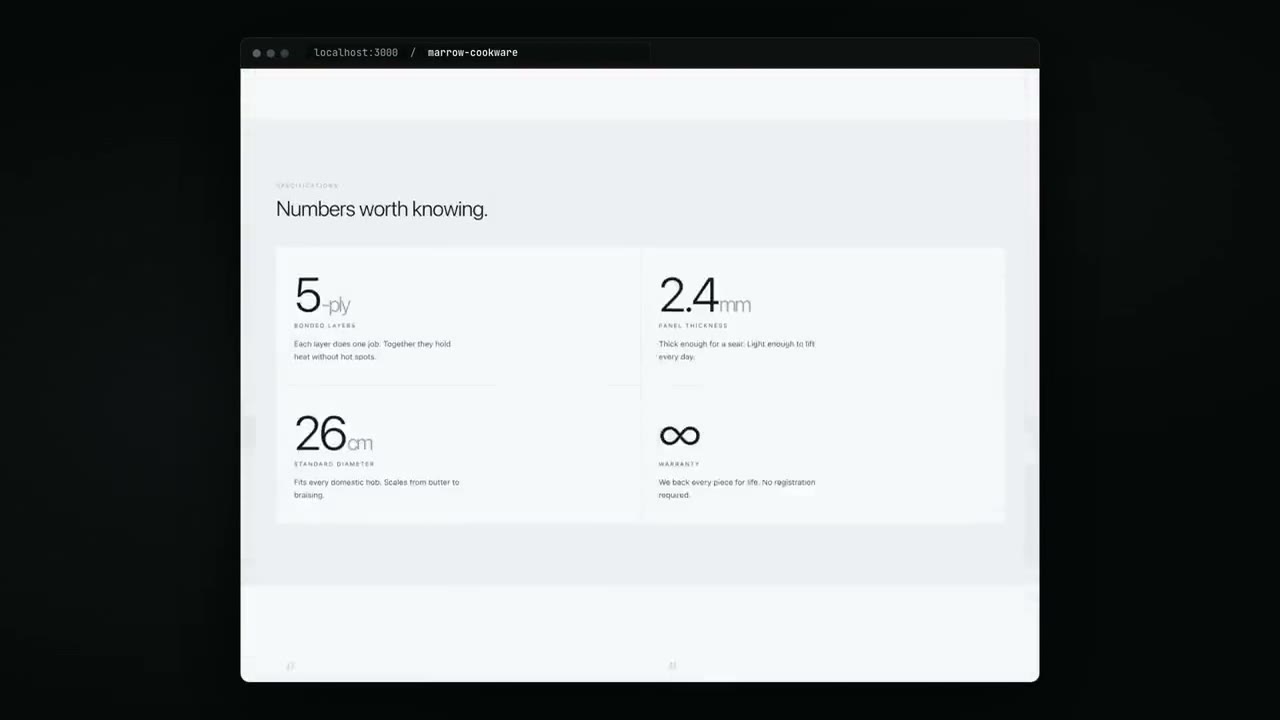
Design With Taste
 Leon Lin & blueemi
 An anti-slop frontend skill. Your coding agent reads the brief, picks a design direction that fits, and ships interfaces that don't look templated or AI-generated.
taste-skill/design-taste-frontend 101.4k 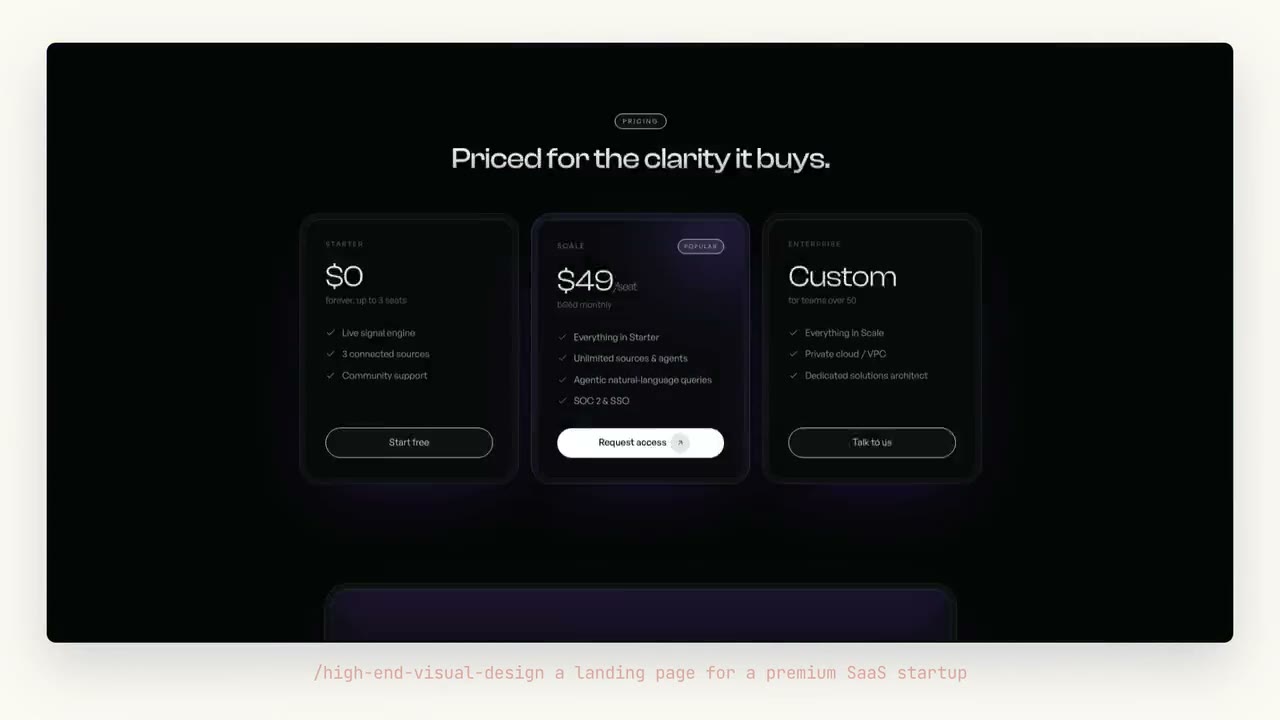
Build High-End Interface
Leon Lin & blueemi Make an AI-built frontend read like a $150k agency site. This skill sets the exact fonts, spacing, shadows, and motion that feel expensive and bans the cheap defaults that give AI away.
taste-skill/high-end-visual-design 101.4k