 Zara Zhang · @zarazhangrui ↗
 Frontend Slides
Turn a brief or a PowerPoint file into an animation-rich HTML slide deck. You pick your look from visual previews, and every deck is one zero-dependency file that runs in any browser.
The roster
What it does
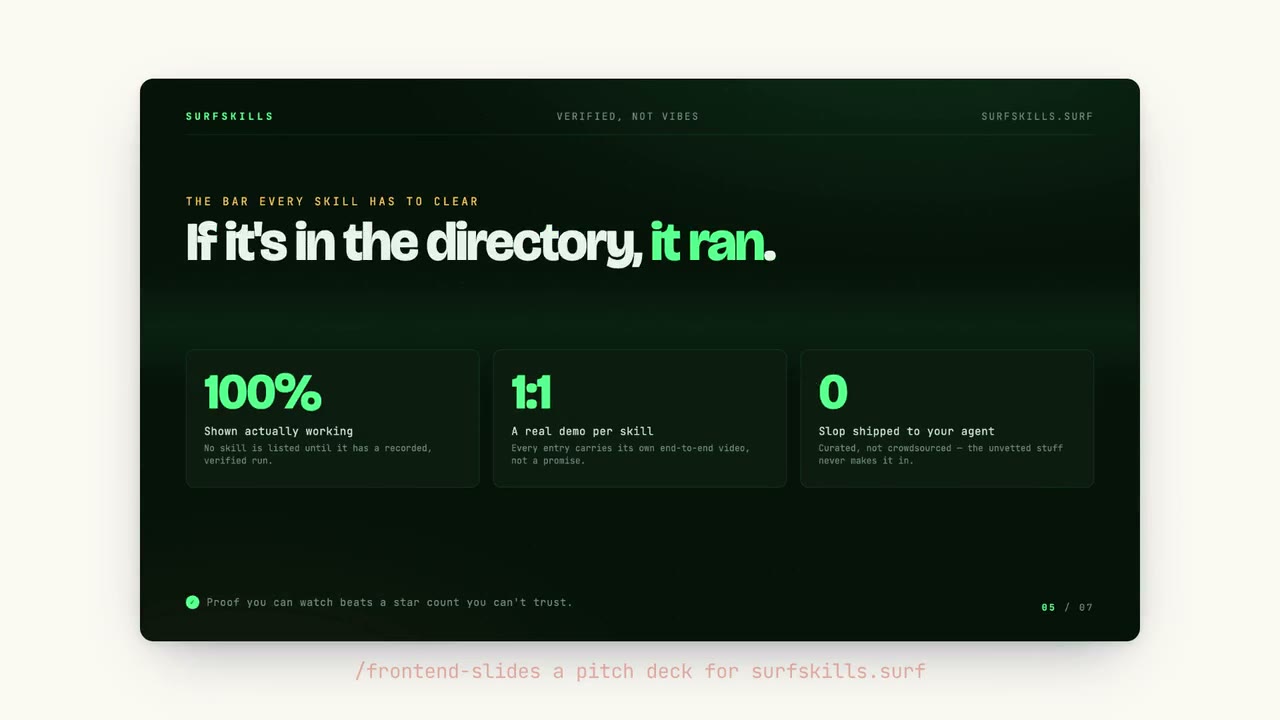
Frontend Slides turns a brief or an existing PowerPoint file into a polished, animation-rich HTML presentation, without you writing any CSS or JavaScript. It uses a show-don't-tell approach to design: rather than asking you to describe an aesthetic, it generates visual previews and lets you pick the one you like.
Every deck comes out as a single file with inline CSS and JS, zero dependencies, and runs in any browser. The bundled styles deliberately avoid the generic AI look, and PowerPoint conversion preserves your images and content. It is packaged as a Claude Code plugin, and the core skill can be read by other coding agents with filesystem access.
When to use it
- You need a deck that doesn't look like default slides
Turn a brief or a PowerPoint into an animation-rich HTML deck you pick the look for.
- You want slides that run anywhere
Every deck is one zero-dependency HTML file that opens in any browser.
Common questions
What do I get out of Frontend Slides?
Frontend Slides turns a brief or a PowerPoint file into an animation-rich HTML deck. Each deck is a single file with inline CSS and JavaScript, fixed at 16:9, that runs in any browser with no build tools.
How do I install it?
Frontend Slides is packaged as a Claude Code plugin you add with /plugin marketplace add https://github.com/zarazhangrui/frontend-slides. Other agents with filesystem and shell access can read its SKILL.md directly.
Is Frontend Slides free?
Yes. Frontend Slides is open-source under the MIT license with no paid tier, and it can also convert existing PowerPoint files while preserving their images and content.